
When you are using Innoventry Online Premium Edition, you can use the feature of multiple business locations.
After login to your business books enable Multiple Stock Location feature first. To do so , go to Settings-> Inventory settings and enable Stock Location and click on Save button as shown in the image.

Go to Master-> More->Business Location and clcik on New button and create business location for each of your stores/outlets.
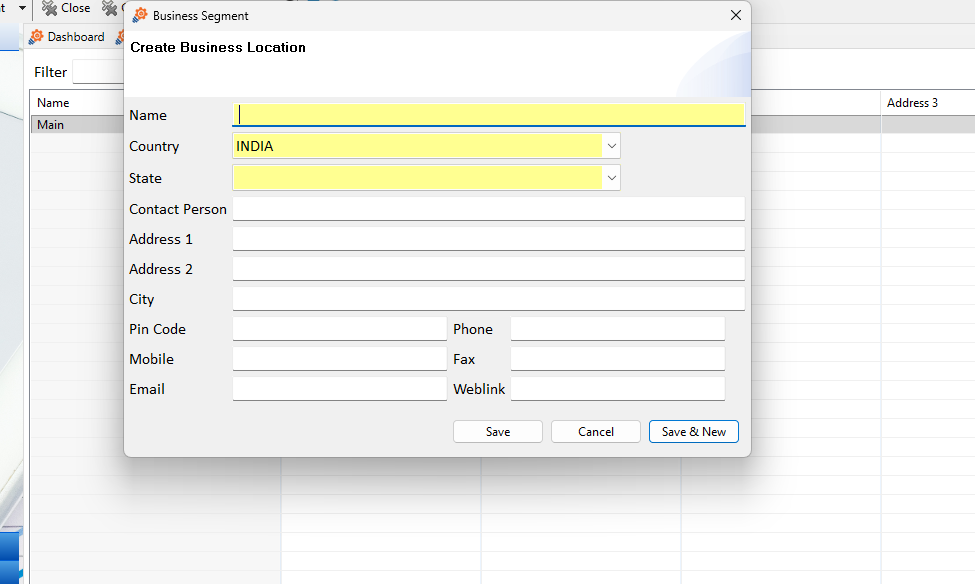
Create new Stock Loaction for each of the business locations you have created. For that Master-> More -> Stock Location -> Click on New button.

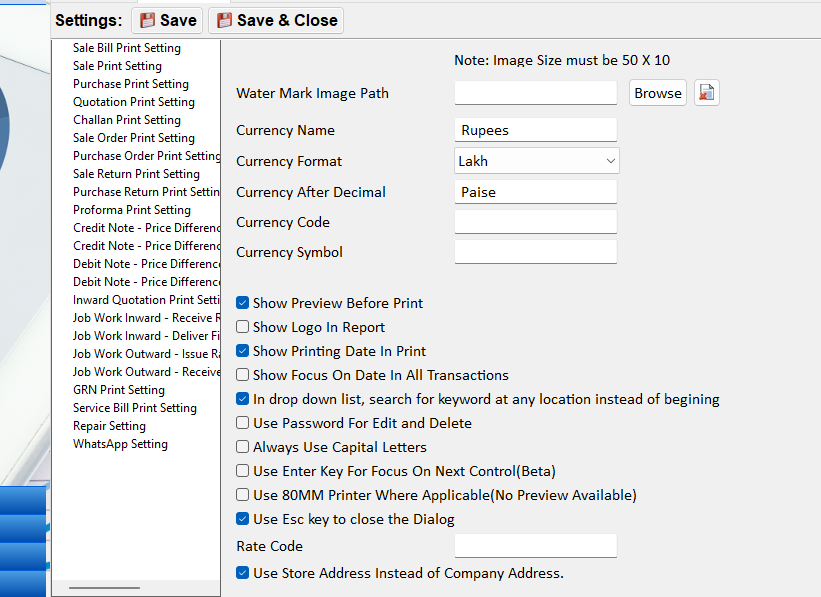
To show the business location’s address and phn number on the invoice you need to enable that from Settings-> General Settings-> Use Store address instead of Company Address.
For creating new users Go to Master->User Accounts->Product Users and click on new button.
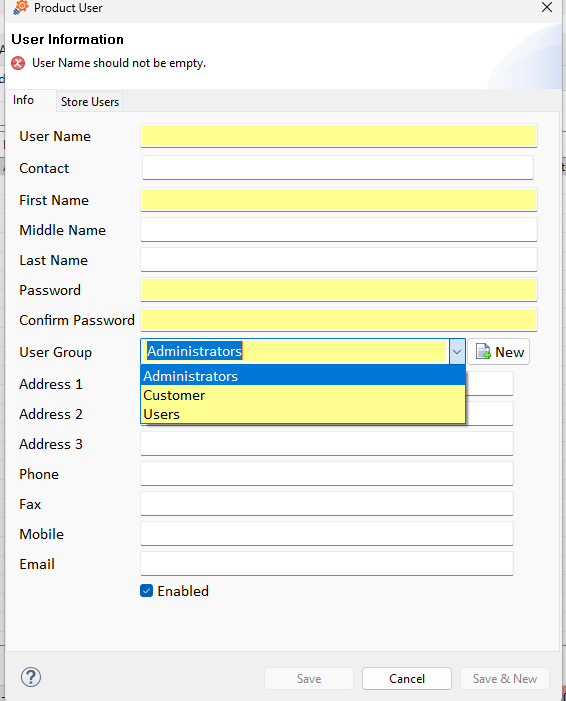
After adding details in user group select “Users” and In Store Tab select the Stores as well.
Also add the user rights from Product User Previldges.


